Adobe InCopy 2026 (x64) Multilingual + Portable
Adobe InCopy Portable enables copywriters and editors to style text, monitor changes, and make minor layout adjustments to a document while designers work on the same page in Adobe InDesign—all without overwriting each other’s contributions.
Adobe InCopy Multilingual 2026 Latest Download for Windows is a professional content creation and editing tool that integrates seamlessly with Adobe InDesign, encouraging collaboration between design and editorial teams. Adobe InCopy is ideal for large projects with several people working on both text and graphic design.
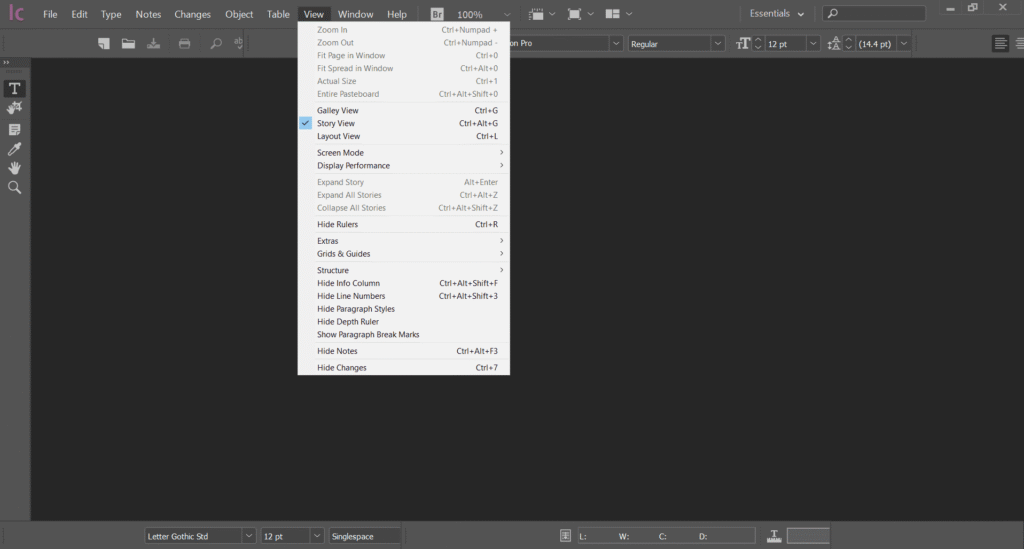
Adobe InCopy 2026 Full Version Download is part of Creative Cloud, so users have access to the latest updates, and new versions are available as soon as they are released. A large and ever-growing library of video tutorials may help you strengthen your skills and discover new tools. Integration with Behance enables you to share your designs with others and gain immediate feedback on your work from designers worldwide.
You can also download the following related programs:
- Portable Foxit Reader For Windows
- Portable Adobe Reader For Windows
- Nitro PDF Pro 14.43.6.0 Enterprise Portable
Adobe InCopy Features
- Conditional Text: Make several versions of a single document with a single Adobe InCopy file. Create teacher/student books, multilingual publications, and other materials by restricting text to conceal content without the use of layers.
- Table editing for Story and galley views Edit table content directly in the Galley’s text layout, which allows you to change the text flow while preserving the table structure.
- Track changes in tables. Tracking changes in tables can help speed up document assessments. You can easily view changes to table content in the InCopy document, eliminating the need for paper copies.
- Adding editorial annotations to tables. Simplify table content collaboration by retaining extra text, writer-editor messages, and comments on specific text in the table.
Languages
All languages included! You can easily change the language in File -> Language

Portable Features:
- No installation is required.
- No administrator rights are required.
- Pre-activated
- Online enabled.
- Now supports dark mode.
- The Sandbox folder holds updated settings; delete it to reset.
- Run it and enjoy!